

- Open a browser and go to soul.su.edu.ph.
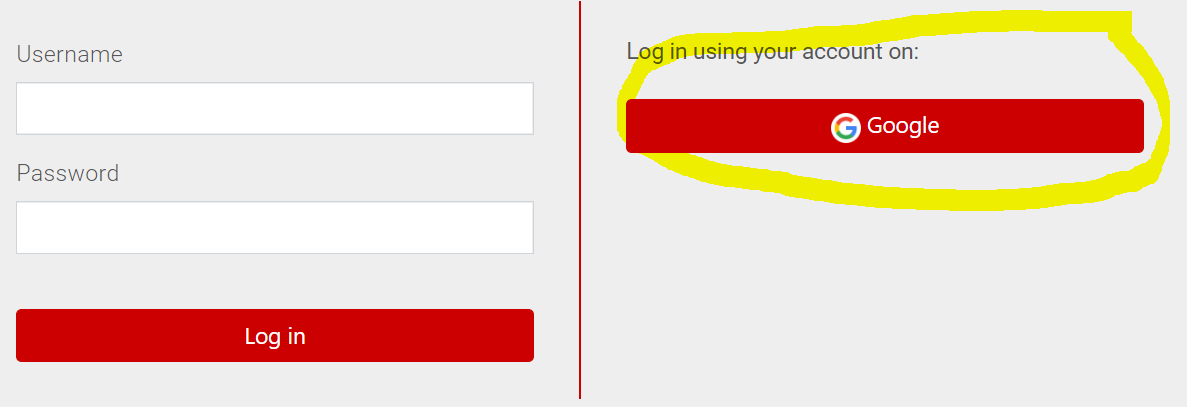
- Login using your Google Silliman Email address ([email protected]). To activate your SU email, see separate instruction or contact [email protected].
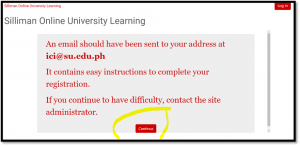
- Once all sign-up details are filled out, instruction to open your email address will appear. Click “CONTINUE” to proceed.
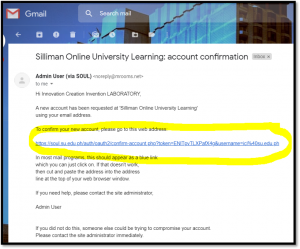
- Open your SU email. Click the confirmation link in the email that was sent to you.
You will be directed back to SOUL, click COURSES. This concludes the sign-up procedures. 
5. Start navigating SOUL. Update your profile. To update, click MY COURSES then click PROFILE. Click “EDIT PROFILE”. Upload a user photo.